Custom Labels

Use this Custom Label Setup Guide to start professional branding, follow artwork formats, choose Pantone colors, and complete simple steps for smooth label printing.

Product Highlights:

  • Custom labelling helps build your brand
  • No minimum order size
  • Pay the setup fee once and you’re set
  • Send your artwork in vector format and we’ll take care of the rest
  • We send you proofs for approval before doing any production

Share this product

RMB ¥570.40 - RMB ¥1,426.00

Part number: N/A Category:

Available Options:

Description

Custom Label Setup Guide: The one time setup fee is all it costs to get started building your own brand. Send your artwork in vector format such as Corel Draw or Adobe Illustrator. Bitmap files like Microsoft paint or Jpeg files can be dealt with as well but its a bit more work for our graphics crew and takes more back & forth with the approval process.

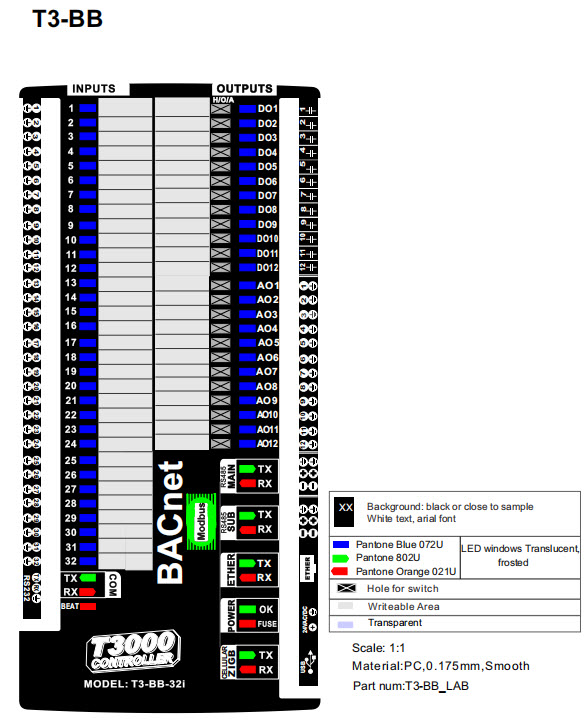
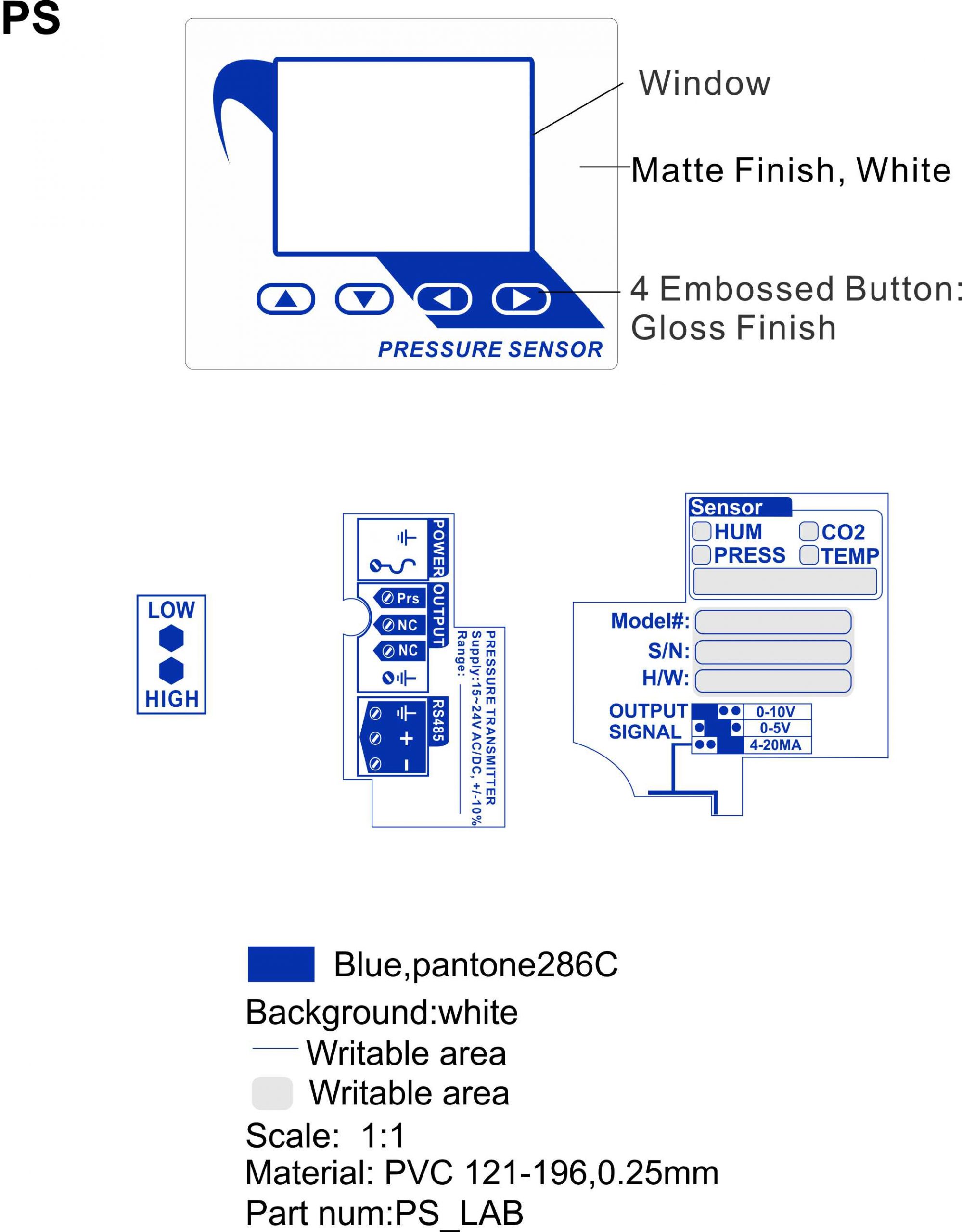
Most of the products use white artwork on a black background but you can use any pantone spot colors, limit the number of colors to two or three. The printer screen prints the labels with solid inks in a single pass. Avoid using CMYK process colors, as they require four separate passes.

ChatGPT said:

Download the CorelDRAW file and edit it yourself; the file combines all labels into one. If you need the Corel file exported to some other format write and we’ll see what we can do. Alternatively you can markup the pdf and we’ll take care of the rest.

Note: Online Pantone color charts are only visual representations of the final label. They are usually accurate enough for basic label color matching. If you want precise color selection, consider purchasing a Pantone swatch book. Specifically, the Pantone U or uncoated chart best matches our matte finish screen-printed labels.

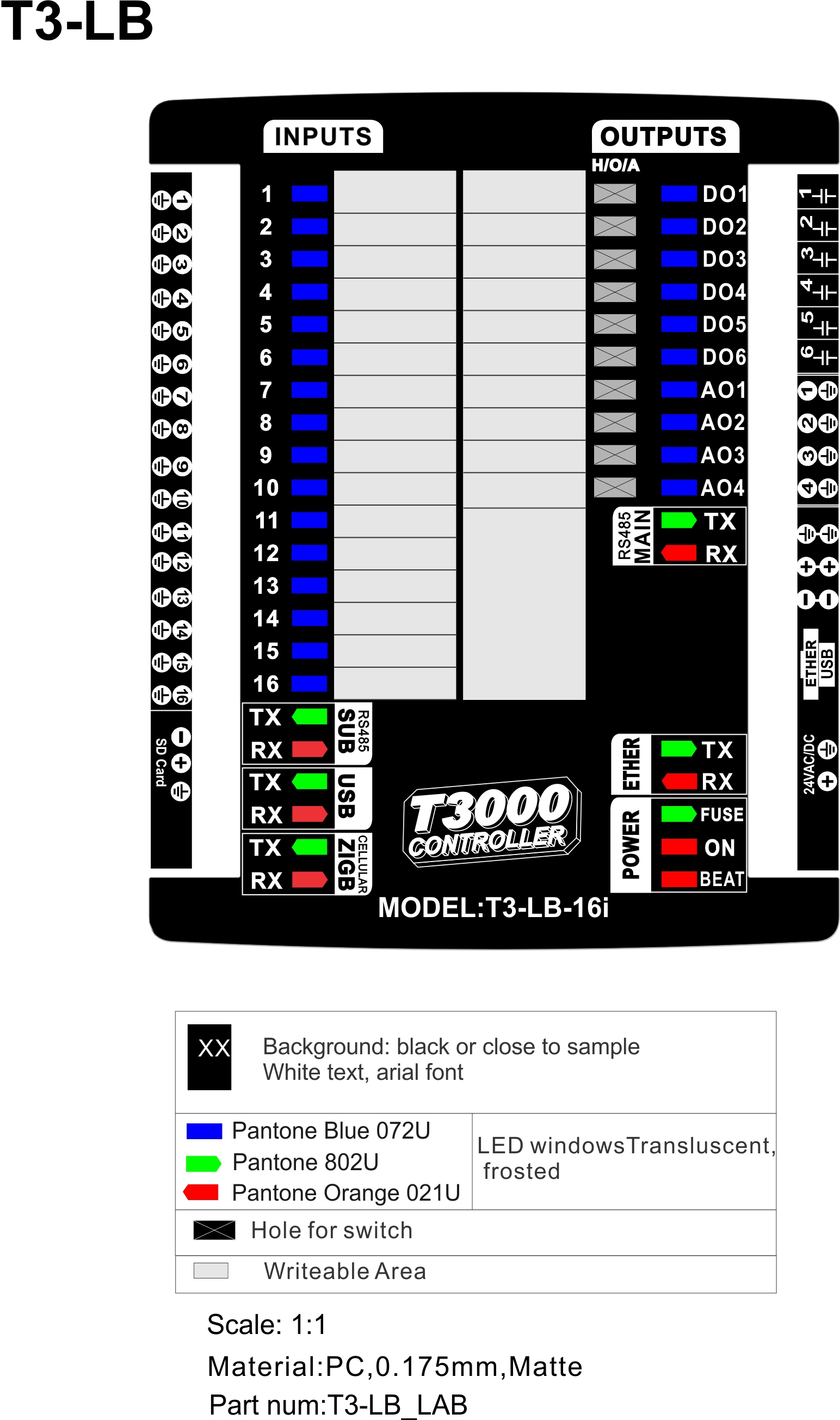
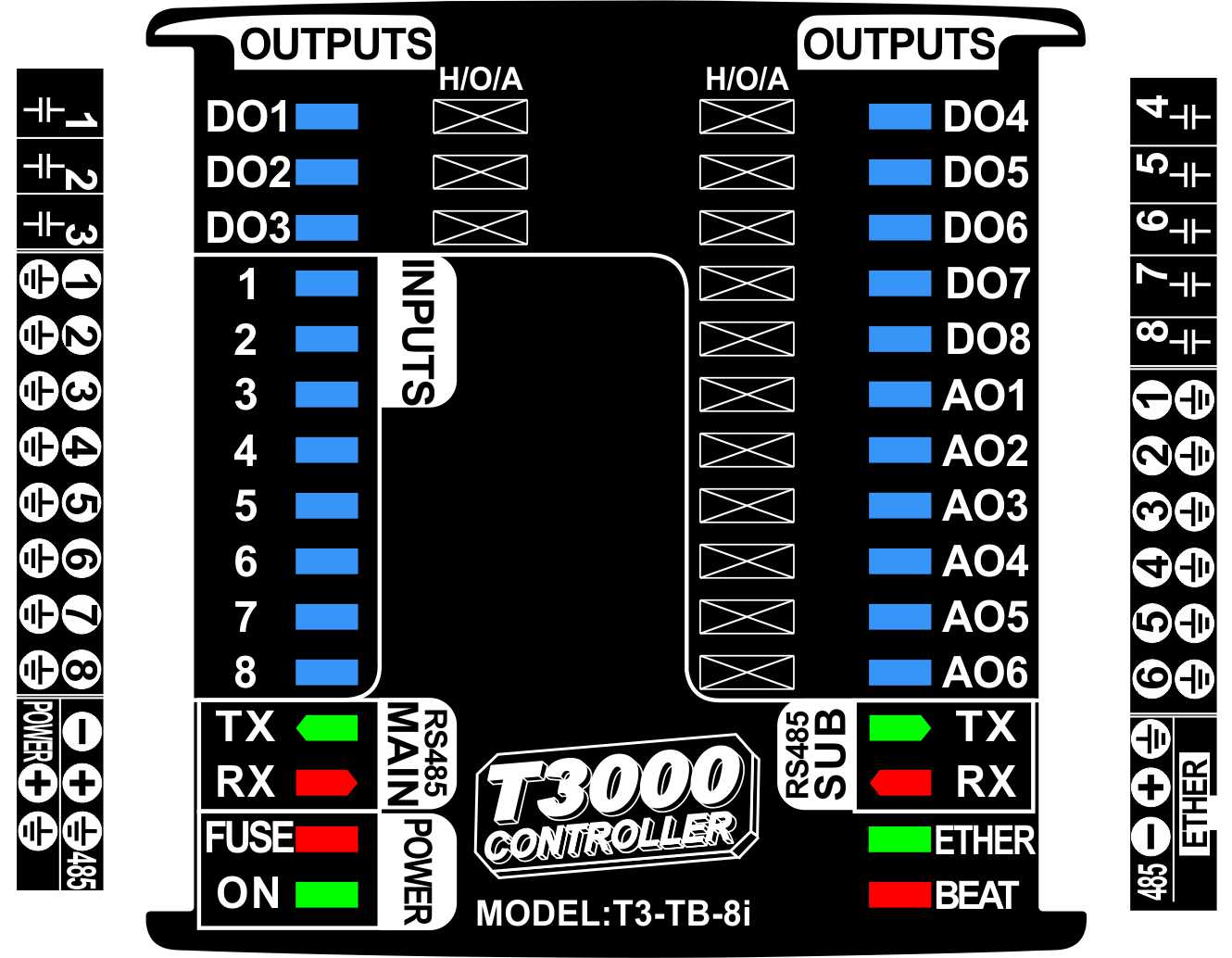
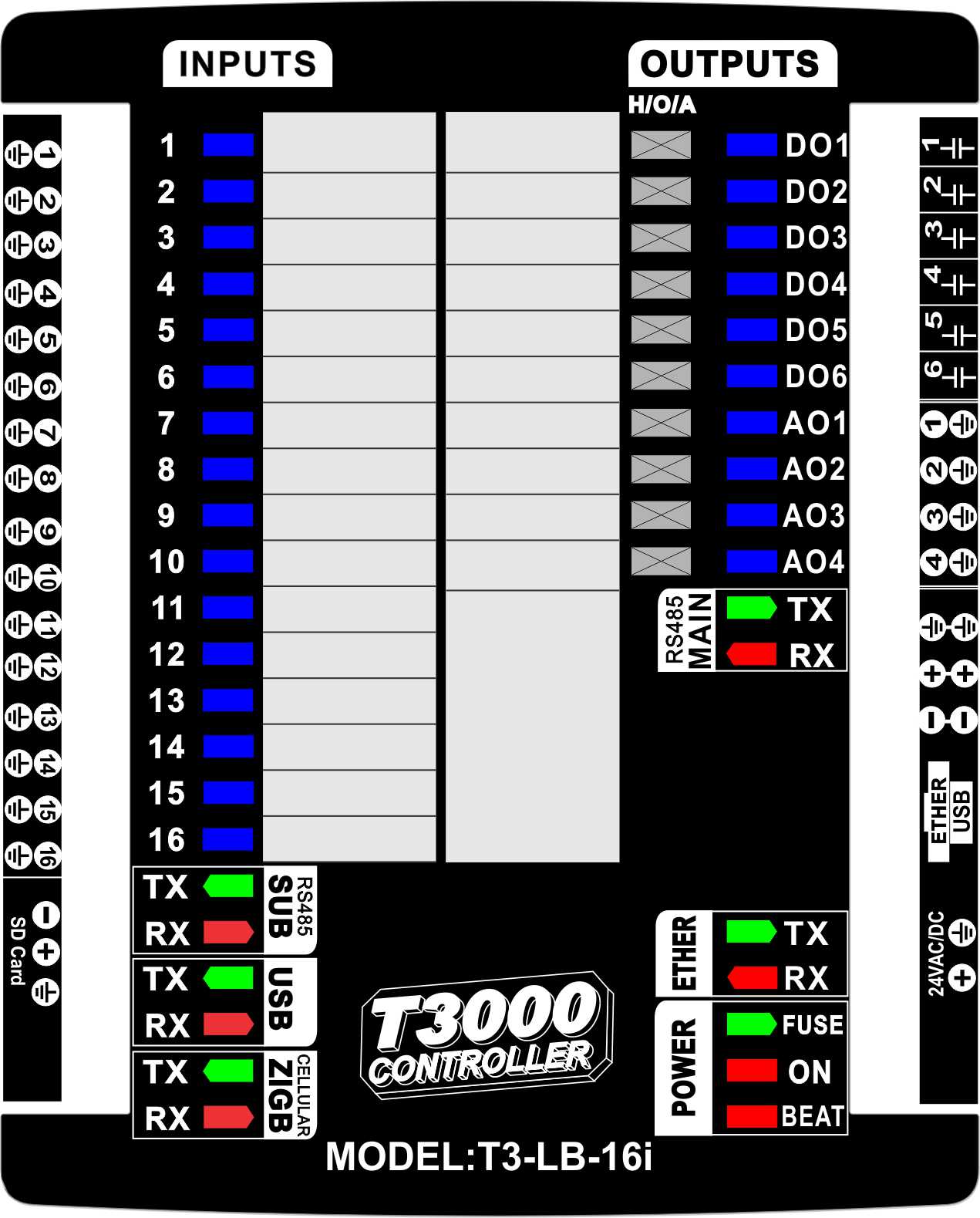
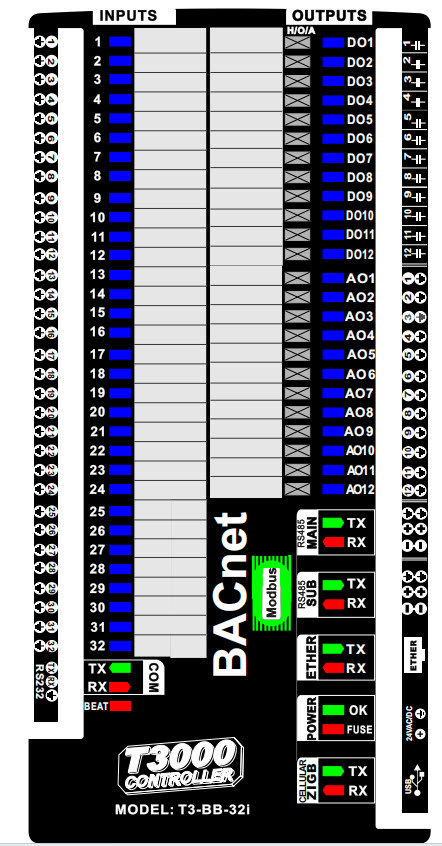
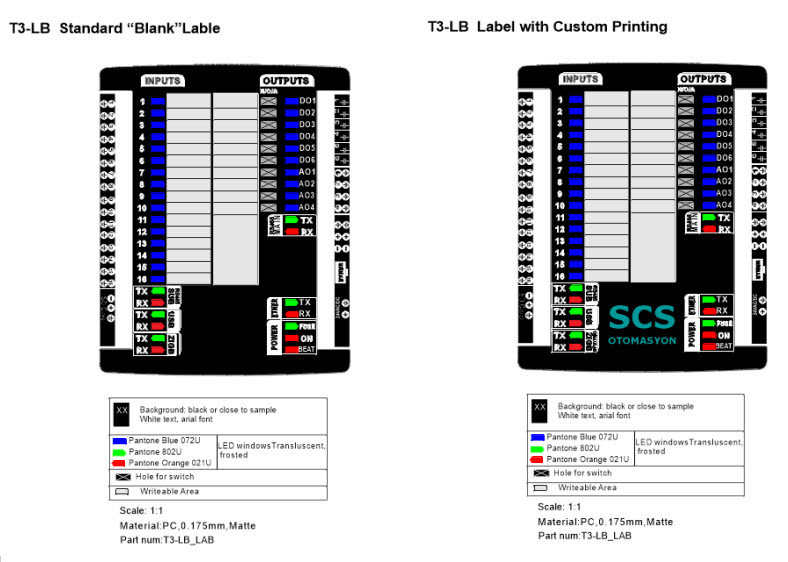
Screen printed labels displayed with clear artwork alignment following the Custom Label Setup Guide.

  High-quality screen printed labels created using vector artwork as explained in the Custom Label Setup Guide.

Screen printed product labels showcasing Pantone colors according to the Custom Label Setup Guide.

Custom screen printed labels produced with proper file formats from the Custom Label Setup Guide.

Screen printed labels designed using Pantone spot colors from the Custom Label Setup Guide.

Custom screen printed label layout created using instructions from the Custom Label Setup Guide.

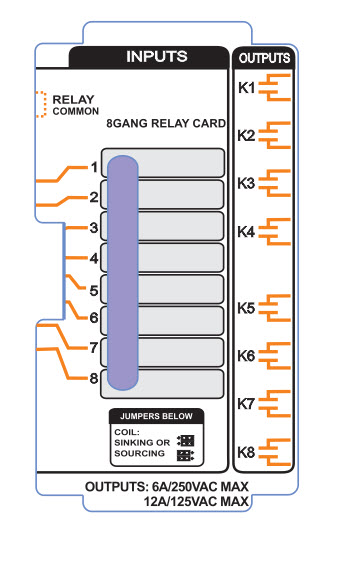
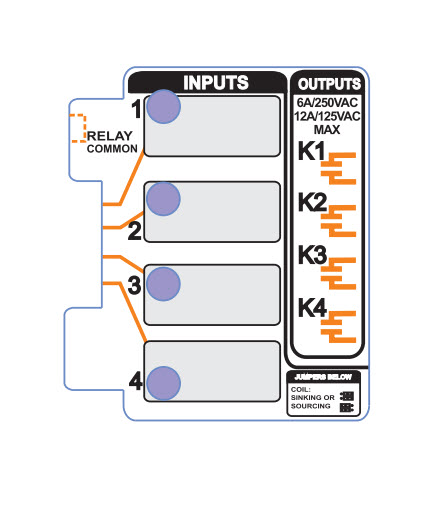
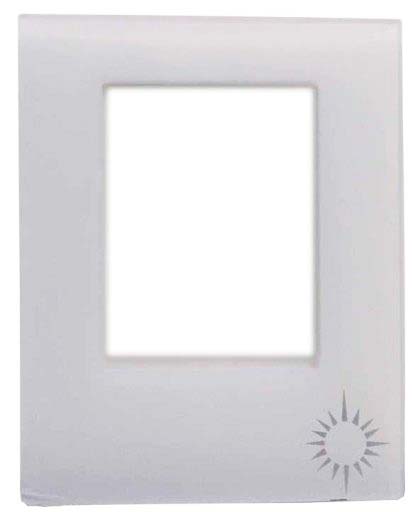
You can print custom designs anywhere on top of the label, as shown.

With the right artwork formats, Pantone colors, and printing guidelines, creating your own branded labels becomes simple and efficient. Additionally, this Custom Label Setup Guide ensures you have everything you need for a smooth and professional labeling process.


Additional information

Weight 0.1 kg
Number of Colors

2, 3, 4, 5, 6, 7